Club
Scan. Shoot. Share the night.
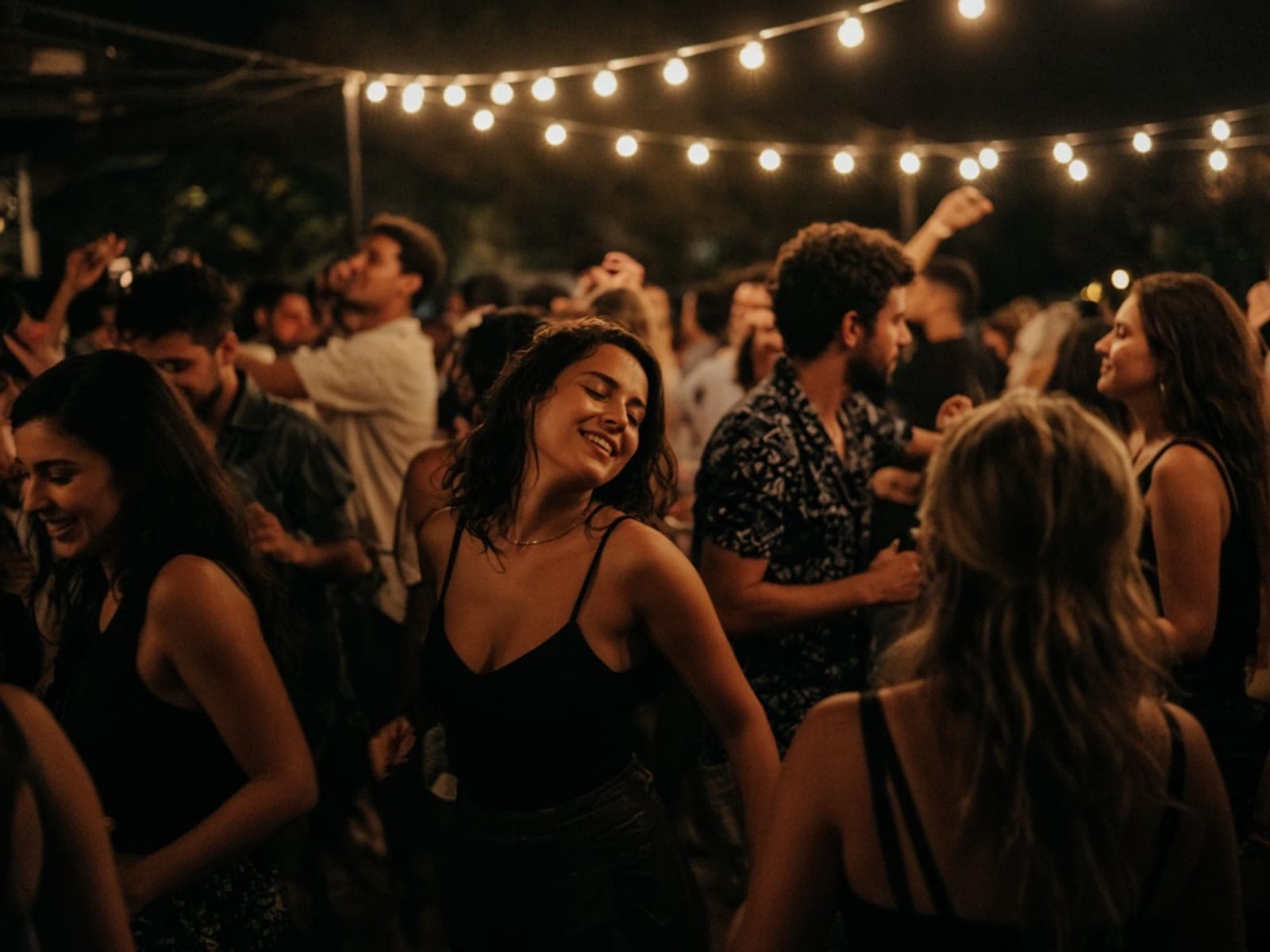
Club nights move fast. Snapdrop keeps guest media in one album so promoters and hosts leave with the real shots — not a scattered Instagram story dump.
Why hosts choose Snapdrop
Built for club nights
Built for nightlife pace
Short guest flow: scan, upload, back to the floor. No accounts slowing the door.
Dark, bold QR cards
Flyer presets that match club energy — high contrast so the QR still scans under low light.
One album for the crew
DJs, photographers and hosts pull from the same gallery after close.
Slideshow optional
Put uploads on screens in the venue, or keep collection quiet and download later.
How it works
Three steps before doors open
- 01
Create a club event
Name the night, set the date, pick a bold flyer style.
- 02
Place the QR
Bar cards, VIP tables, or a screen graphic — one event link everywhere.
- 03
Pull the gallery
Download the ZIP for socials, the photographer, or the next flyer.
Features
What you get
No guest accounts
People will not create a login at 1 a.m. Snapdrop never asks them to.
Video on paid plans
Capture clips from the booth and the dance floor in original quality.
Host-owned media
You keep the gallery. Guests never pay.
FAQ
Questions hosts ask
Will a QR work in a dark club?
Yes if the card has strong contrast. Snapdrop’s club flyer themes keep a scannable quiet zone.
Do guests need Wi‑Fi?
Mobile data works. A venue Wi‑Fi link helps for large video uploads.
Is seating included?
Club events hide seating by default — it’s for dinners and ceremonies, not the dance floor.
Can promoters run many nights?
Studio is built for high volume. Per-event passes work for one-off nights.
Who moderates uploads?
You do, from the dashboard, before anything goes on a public slideshow.
Ready to collect every guest shot?
Create a club event with the right defaults, or start free and explore.